> ## Documentation Index
> Fetch the complete documentation index at: https://docs.dubot.ai/llms.txt
> Use this file to discover all available pages before exploring further.
# How Dubot works
> From customer intent to a governed answer, guide, or action
Dubot runs inside a customer product and resolves each request against the configuration that the
team has published for that workspace.
## The runtime loop
The browser SDK uses the public client token in its script URL to load placements, brand
settings, and the Resource Center for the current page.
The host calls `Dubot.init()` with a user id, a server-minted identity token when identity
verification is enabled, and the minimum flat context the experience needs.
The active wizard, or the page-aware Resource Center Agent, supplies instructions and
capabilities. Dubot narrows the workspace knowledge corpus to the configured scope and
actions to those exposed through an attached Skill capability and currently supported by the
host. Production resolves published versions only.
Dubot can respond in conversation, launch reviewed Guidance against the current interface,
collect structured input, or request an approved action.
An action runs automatically only when its policy allows it. Confirm-gated actions stop for
explicit approval before the customer-owned executor is invoked.
Conversations, action results, and Guidance outcomes feed the appropriate activity and
analytics surfaces without turning the customer product into a second source of truth.
## Authoring and runtime stay separate
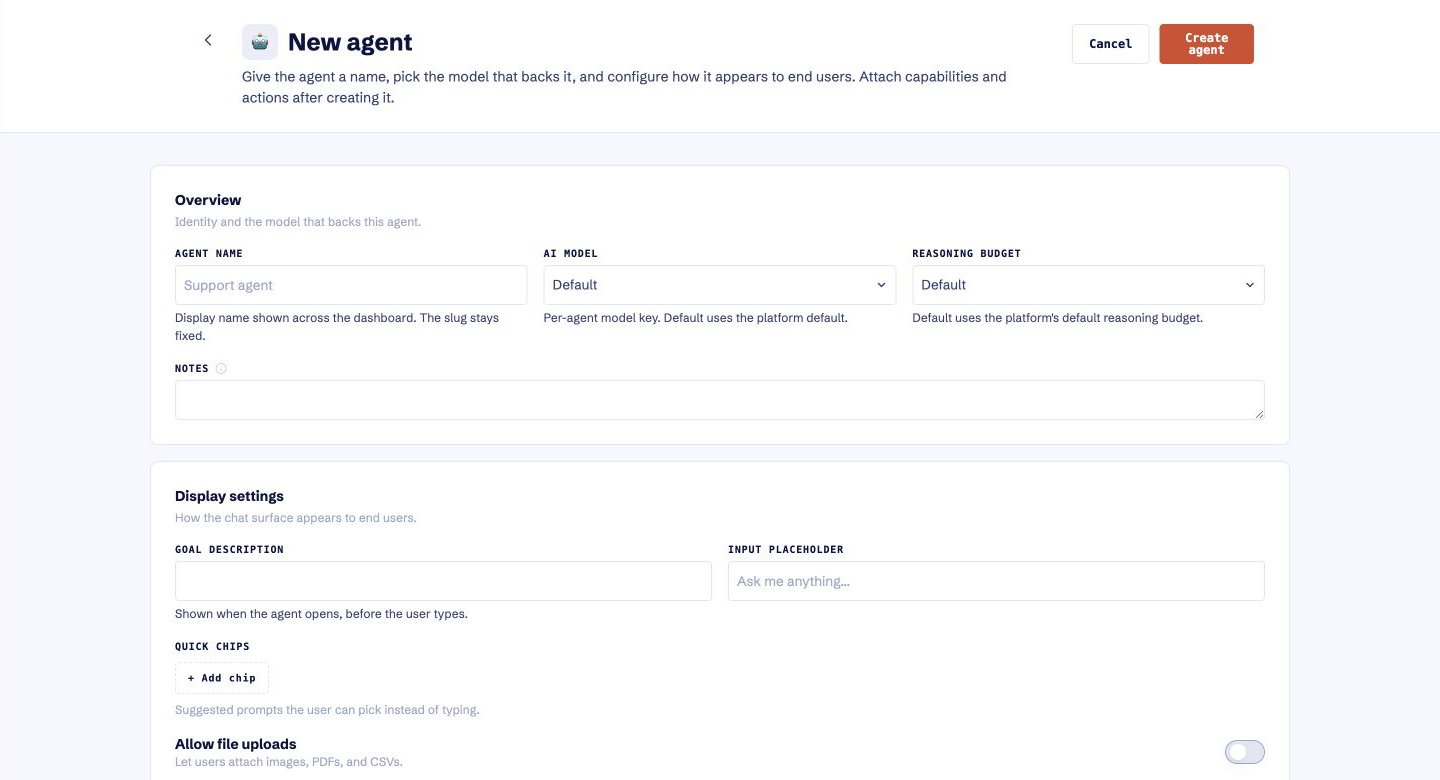 The Dubot application is the configuration plane. Teams author wizards, capabilities, actions,
the knowledge corpus, Guidance, Resource Center content, and brand there. The browser SDK is the
runtime plane inside the customer product. The Resource Center Agent saves and publishes with the
Resource Center; it is not a placed Wizard.
| Plane | Reads | Writes |
| ---------------- | ------------------------------- | ---------------------------------------------- |
| Test | Latest saved configuration | Draft changes and previews |
| Production | Published versions only | Explicit publish and unpublish operations |
| Customer product | Published runtime configuration | Product state through customer-owned executors |
## Boundaries that matter
* The public client token identifies a workspace and SDK release. It is not a secret.
* The identity-verification secret stays on the customer's server.
* Session API destinations come from the published action catalog through an attached published
Skill capability, not from model output.
* Customer authentication and credentials remain in customer-owned code.
* Response masks reduce the result returned to the assistant.
* Client-side callbacks are registered by the host and are available only while that host
supplies them.
* A missing action, unpublished dependency, invalid identity, or unavailable target should stop or
degrade visibly.
A successful product demo is not proof that the same identity, origin, configuration, and
permissions are ready in another environment. Validate the target workspace end to end before
exposing a journey to customer traffic.
The Dubot application is the configuration plane. Teams author wizards, capabilities, actions,
the knowledge corpus, Guidance, Resource Center content, and brand there. The browser SDK is the
runtime plane inside the customer product. The Resource Center Agent saves and publishes with the
Resource Center; it is not a placed Wizard.
| Plane | Reads | Writes |
| ---------------- | ------------------------------- | ---------------------------------------------- |
| Test | Latest saved configuration | Draft changes and previews |
| Production | Published versions only | Explicit publish and unpublish operations |
| Customer product | Published runtime configuration | Product state through customer-owned executors |
## Boundaries that matter
* The public client token identifies a workspace and SDK release. It is not a secret.
* The identity-verification secret stays on the customer's server.
* Session API destinations come from the published action catalog through an attached published
Skill capability, not from model output.
* Customer authentication and credentials remain in customer-owned code.
* Response masks reduce the result returned to the assistant.
* Client-side callbacks are registered by the host and are available only while that host
supplies them.
* A missing action, unpublished dependency, invalid identity, or unavailable target should stop or
degrade visibly.
A successful product demo is not proof that the same identity, origin, configuration, and
permissions are ready in another environment. Validate the target workspace end to end before
exposing a journey to customer traffic.