> ## Documentation Index
> Fetch the complete documentation index at: https://docs.dubot.ai/llms.txt
> Use this file to discover all available pages before exploring further.
# Turn a Guidance run into a guide
> Review a completed journey, save the cleanest run, and publish it as a reusable guide
Guidance records each customer journey as a run. Save a representative run when the same job
should become a reviewed, reusable guide.
In the current authoring flow, **New guide** opens Guidance Analytics because every new guide
starts from a saved realtime run. There is no blank guide composer. Keep a run that fails before
its first useful step as troubleshooting evidence rather than saving it as a guide.
## Before you start
* [Enable Guidance](/guides/enable-guidance) and exercise the journey in Test.
* Use a safe example account and stop before any action that should remain customer-owned.
* Install the Dubot browser extension if you need to change the guide's steps on the live page.
## Review the run
Open **Guidance**, then **Analytics**. Start with the workspace totals, then choose the theme
that contains the journey. A run can have several themes, so theme counts can overlap.
Filter the theme's sessions by outcome. Prefer a clean completed run with the intended start,
path, and stopping point. A completed outcome alone does not prove that every step was correct.
Open the run and review its pages, steps, targets, customer-owned interactions, tool activity,
errors, and final outcome. Add or correct themes when they will make later analysis clearer.
Select **Save as guide**. Dubot creates a draft guide from the reviewed run and opens its guide
detail page. The source run remains linked as evidence.
## Review and publish the guide
Confirm the title and goal, then add one trigger phrase per line. Trigger phrases stay off
until the guide is published.
Check the generated sequence and remove accidental or redundant interactions. A guide must
contain at least one step before it can be published. If the sequence contains an Indicate
step, keep the guide in Test: the current product blocks that step type from Production.
Select **Edit in the extension** when the targets or instructions need work on the live product
page. Choose a safe starting URL and save the edited composition back to the guide draft.
For a Production-compatible composition, save the draft, then select **Publish guide**. The
published version enters the workspace guide catalog. A newer draft does not replace the live
version until you publish the changes.
In **Resource Center**, add the published guide to **All pages** or a page override, then publish
the Resource Center. Guidance must also remain enabled in the target environment.
A guide with an **Indicate** interaction cannot currently be published. Save and test it as a
draft instead. This is a platform-wide compatibility gate, not a workspace SDK setting. Do not
replace Indicate with Perform just to publish: that would make Dubot execute an interaction that
was intentionally left to the customer.
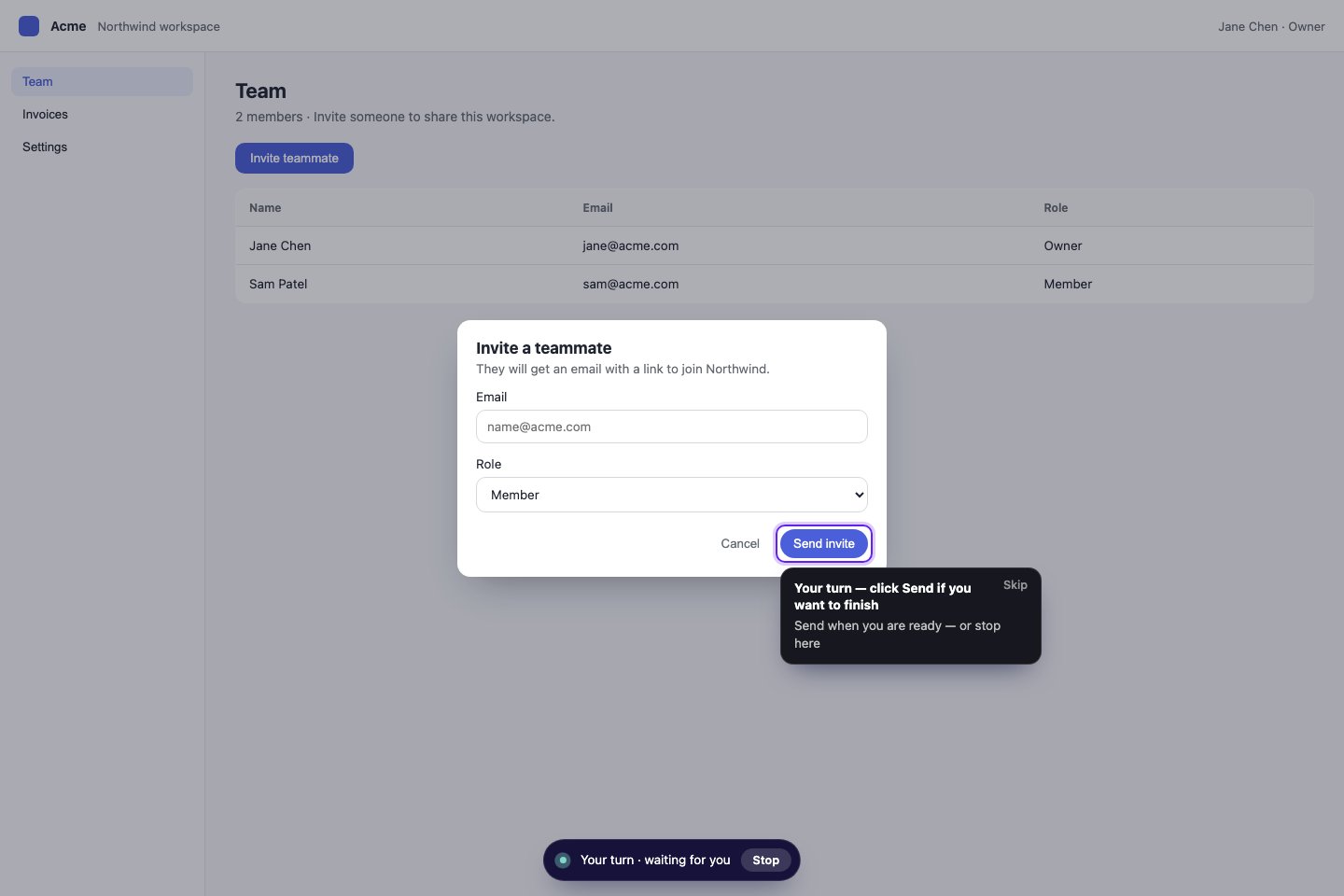 The published guide should preserve the reviewed intent while still resolving targets against the
customer's current page. Re-test after meaningful product-interface changes, and return to the
source run when you need to understand why the guide was created.
## Expected result
The guide retains a link to its source run, contains only reviewed steps, and starts from an
intended trigger or Resource Center card. A Production-compatible guide reaches the same stopping
point in Test and Production; an Indicate guide remains a tested draft until the Production format
supports it.
See [Guidance](/product/guidance) for the runtime model and
[Understand analytics and activity](/guides/understand-analytics) for outcome definitions. Use
[Recover or roll back configuration](/operate/recovery) to remove or restore a guide safely.
The published guide should preserve the reviewed intent while still resolving targets against the
customer's current page. Re-test after meaningful product-interface changes, and return to the
source run when you need to understand why the guide was created.
## Expected result
The guide retains a link to its source run, contains only reviewed steps, and starts from an
intended trigger or Resource Center card. A Production-compatible guide reaches the same stopping
point in Test and Production; an Indicate guide remains a tested draft until the Production format
supports it.
See [Guidance](/product/guidance) for the runtime model and
[Understand analytics and activity](/guides/understand-analytics) for outcome definitions. Use
[Recover or roll back configuration](/operate/recovery) to remove or restore a guide safely.