

A capability is a reusable bundle of context. Attach it to a wizard or the Resource Center
Agent to compose an experience from shared behavior.
Create the capability
Set a name, then choose one type. Dubot derives the immutable slug when you create the capability.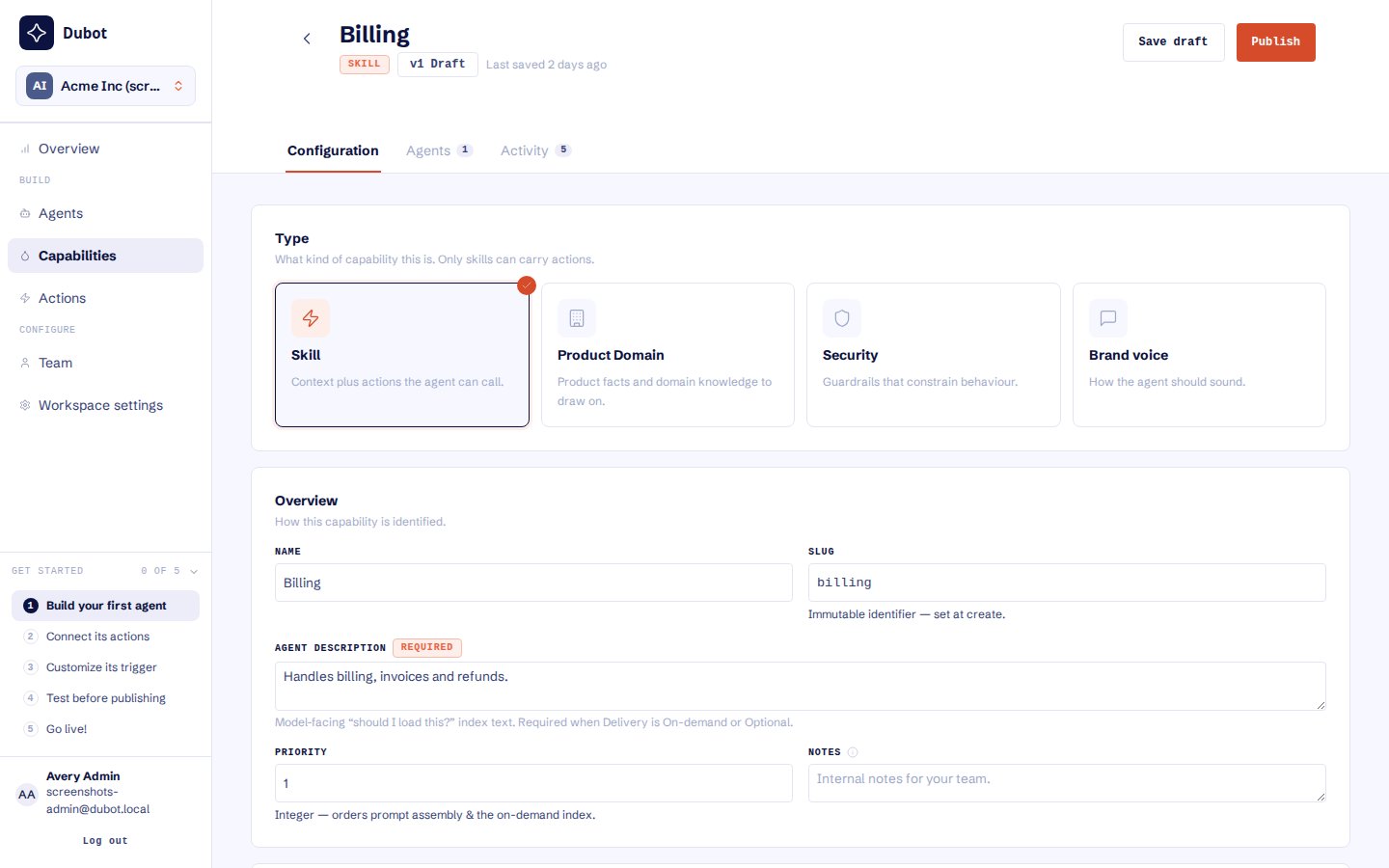
Select the capability type first. The type determines whether the capability can carry actions.
Add knowledge or actions
Product domain capabilities may define a knowledge scope to limit the product knowledge available to that capability. Only Skill capabilities can include Session API actions and client-side callbacks. An action’s catalog presence or published state alone does not make it available to a wizard or the Resource Center Agent. Before publishing a Skill, review every included action in the dependency list. Hold back any draft or unsafe dependency rather than publishing it accidentally with the capability.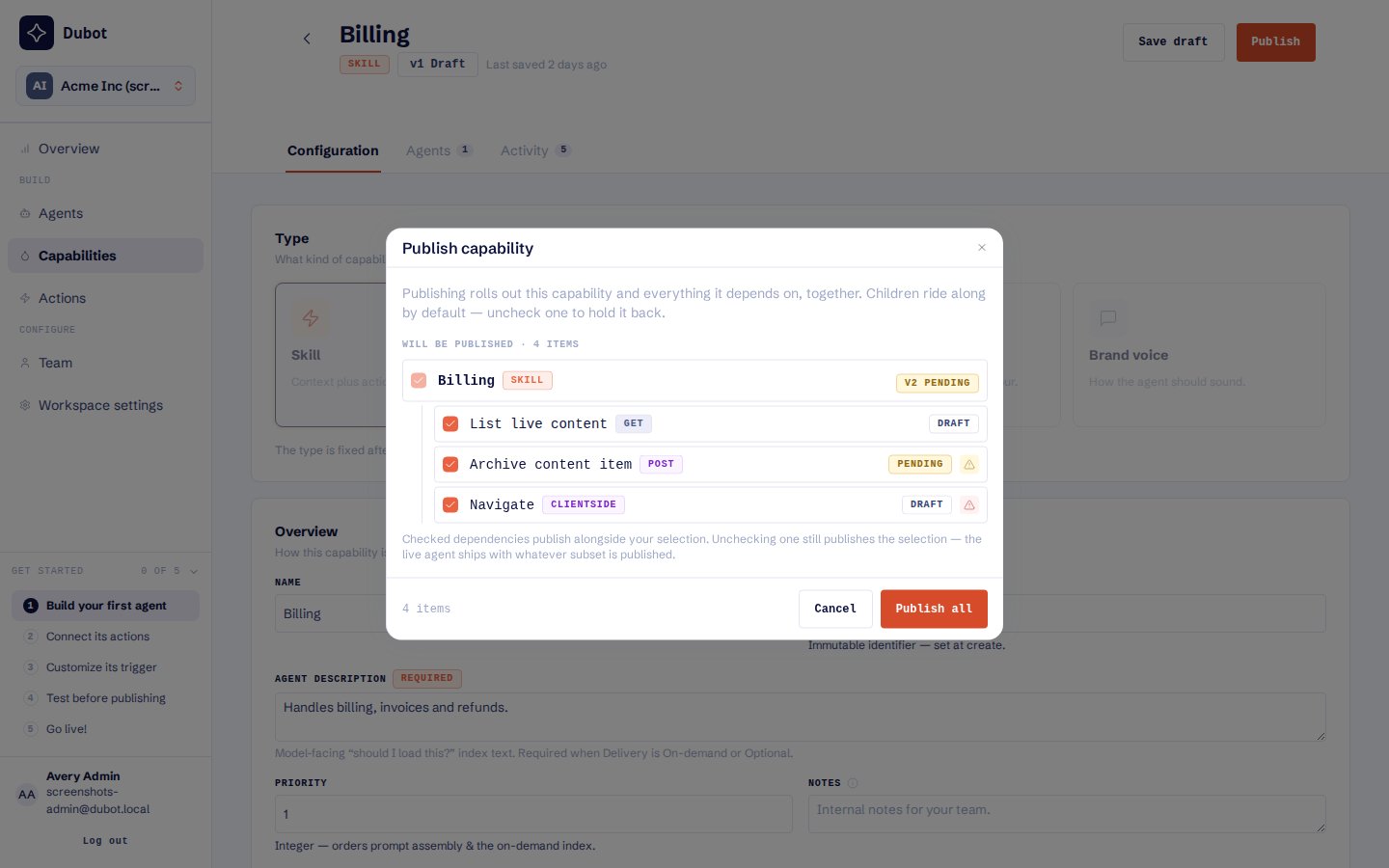
Publishing a Skill shows its included actions so dependencies can be reviewed together.
Publish and attach
1
Save the capability
Review its type, delivery, prompt, description, priority, and included content.
2
Publish the capability
Publish the version that should be eligible for runtime use.
3
Attach it to an agent
Select the published capability on a wizard or the Resource Center Agent.
4
Publish the experience
Publish the Wizard, or publish the Resource Center that contains its reserved Agent configuration.